Accept the invitation
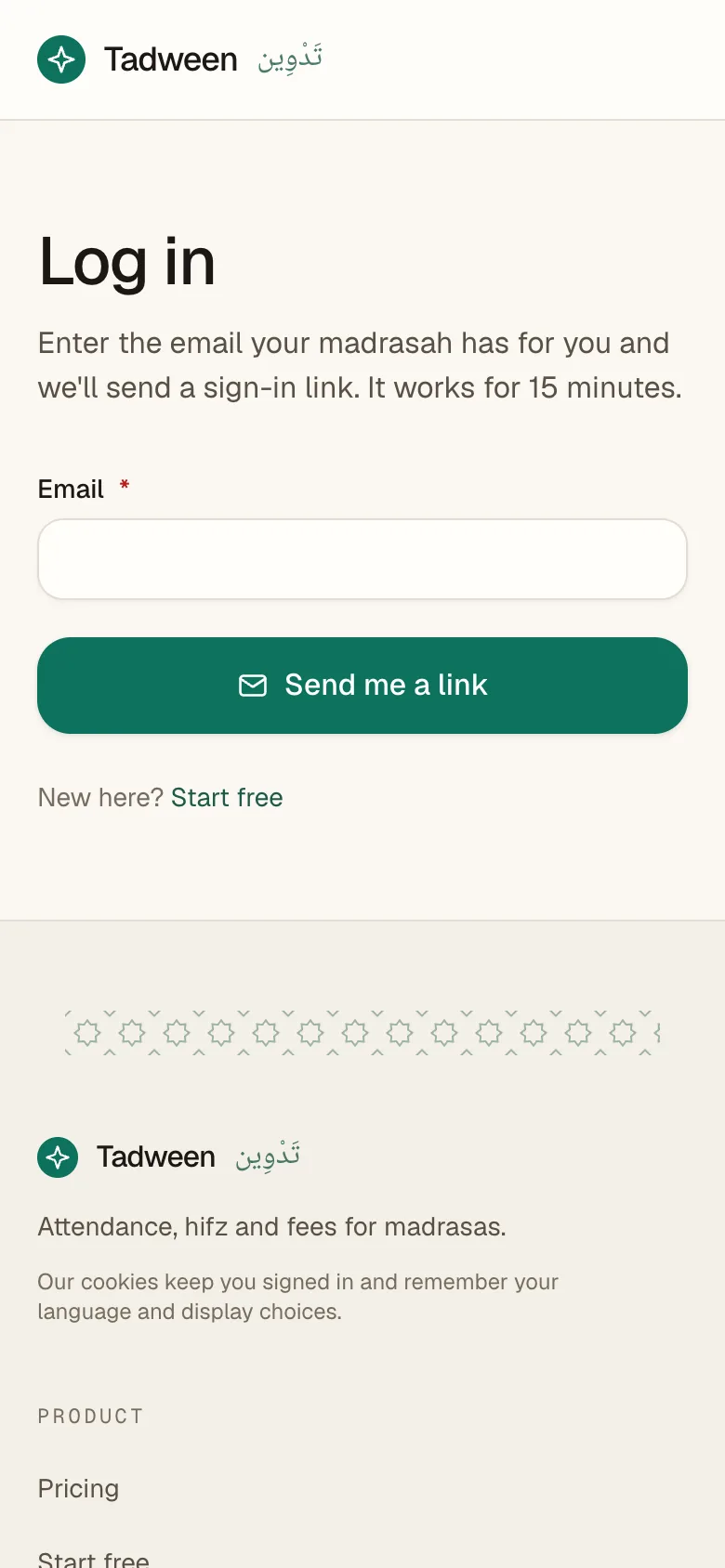
Tap the link in the invitation from the madrasah. Next time, go to the sign-in page, enter the same email address and tap the link we send. It works on any phone or computer.
Tip
Your home screen
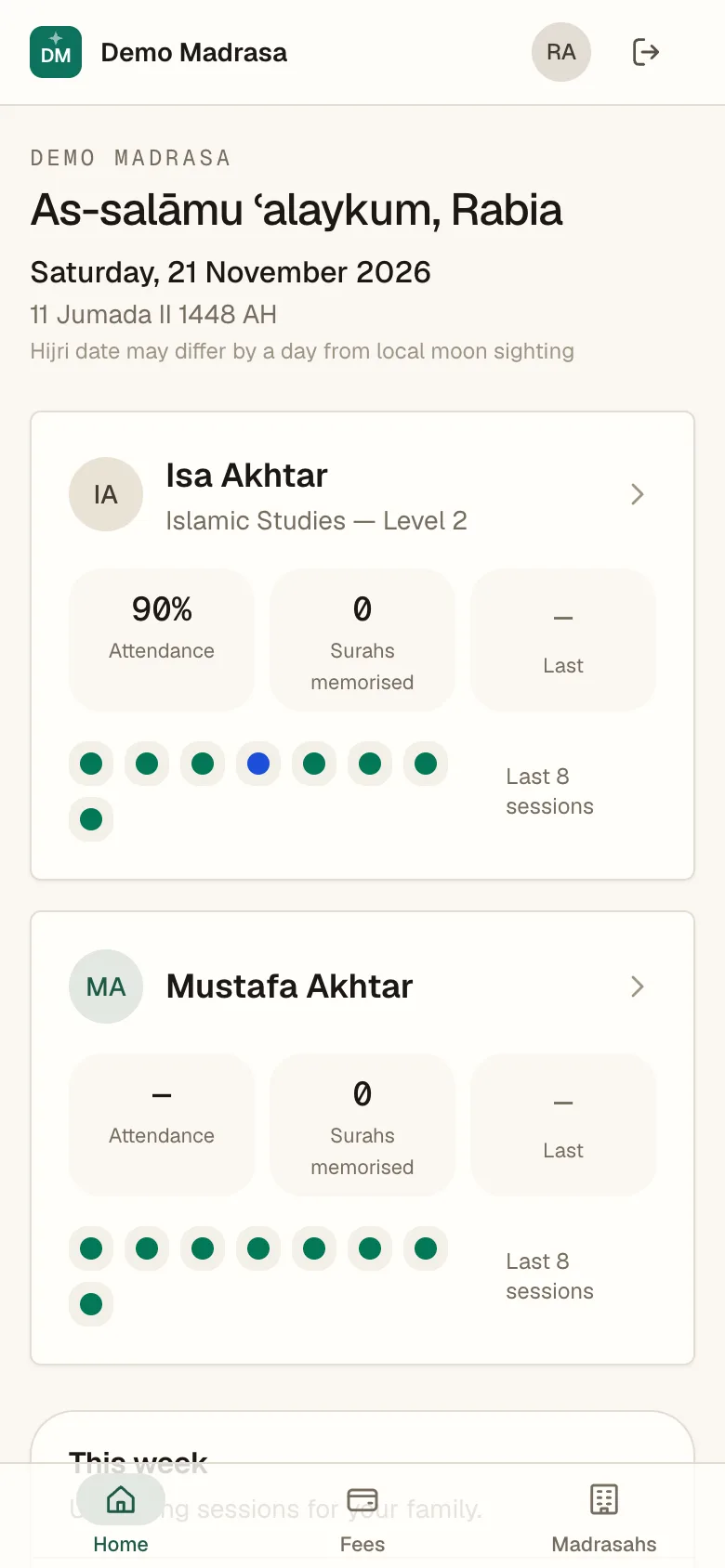
Each child with today's status, this week's sessions and the latest announcements from the madrasah. Adult learners see their own record here.
A child's record
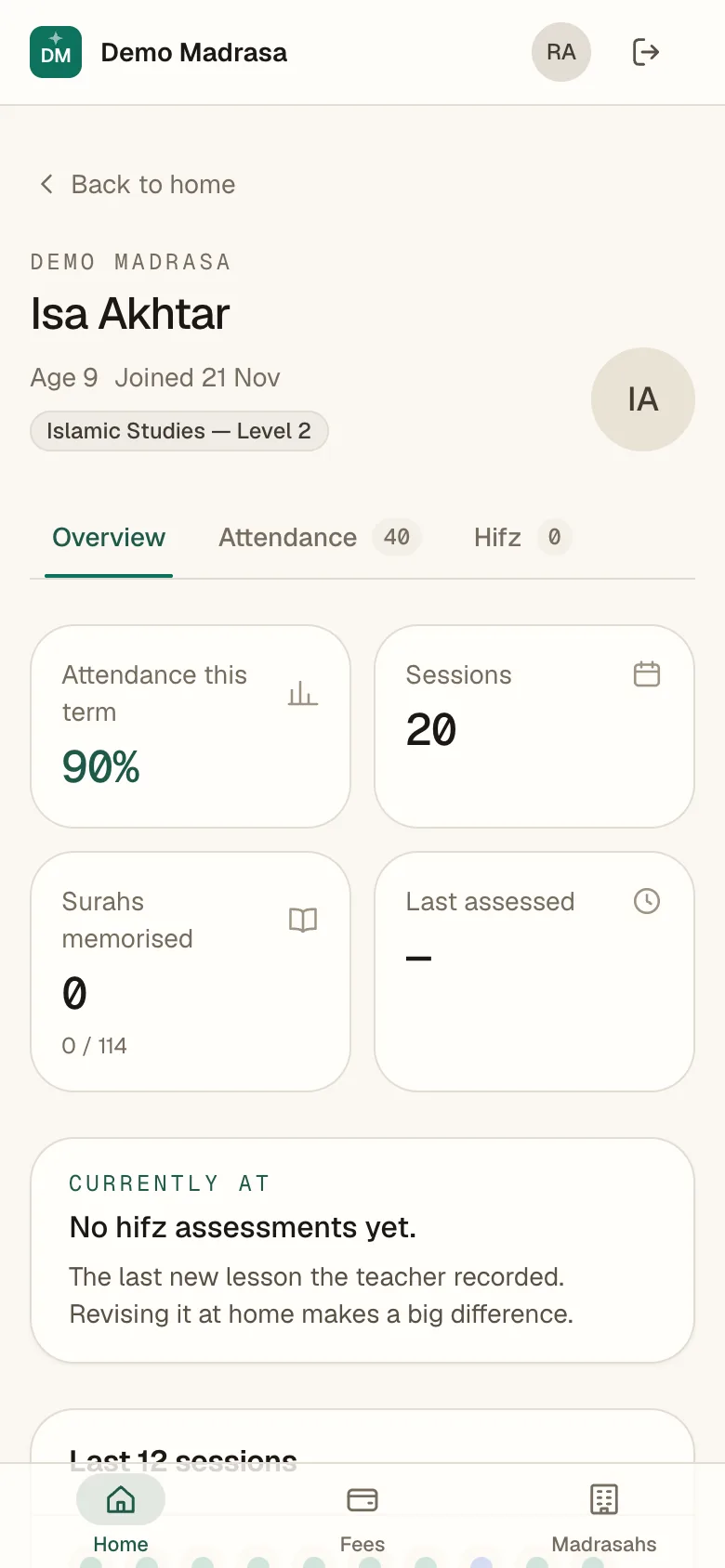
Attendance for every session, where the learner is now, and the surah grid showing what has been memorised. Medical and safeguarding notes are never shown here.
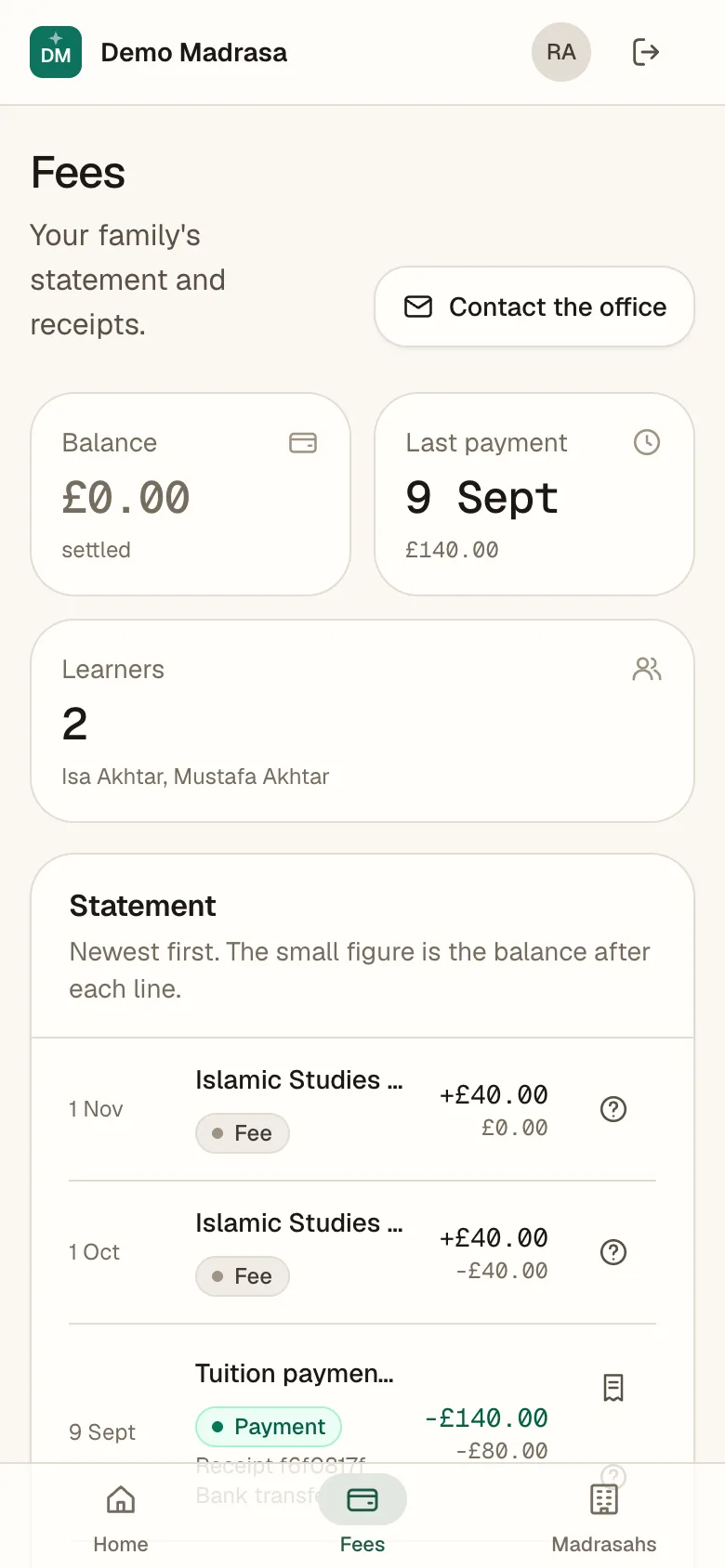
Fees and receipts
If the madrasah has given you access to fees, you see the family statement and can open receipts. Ask about a line and the office replies by email.
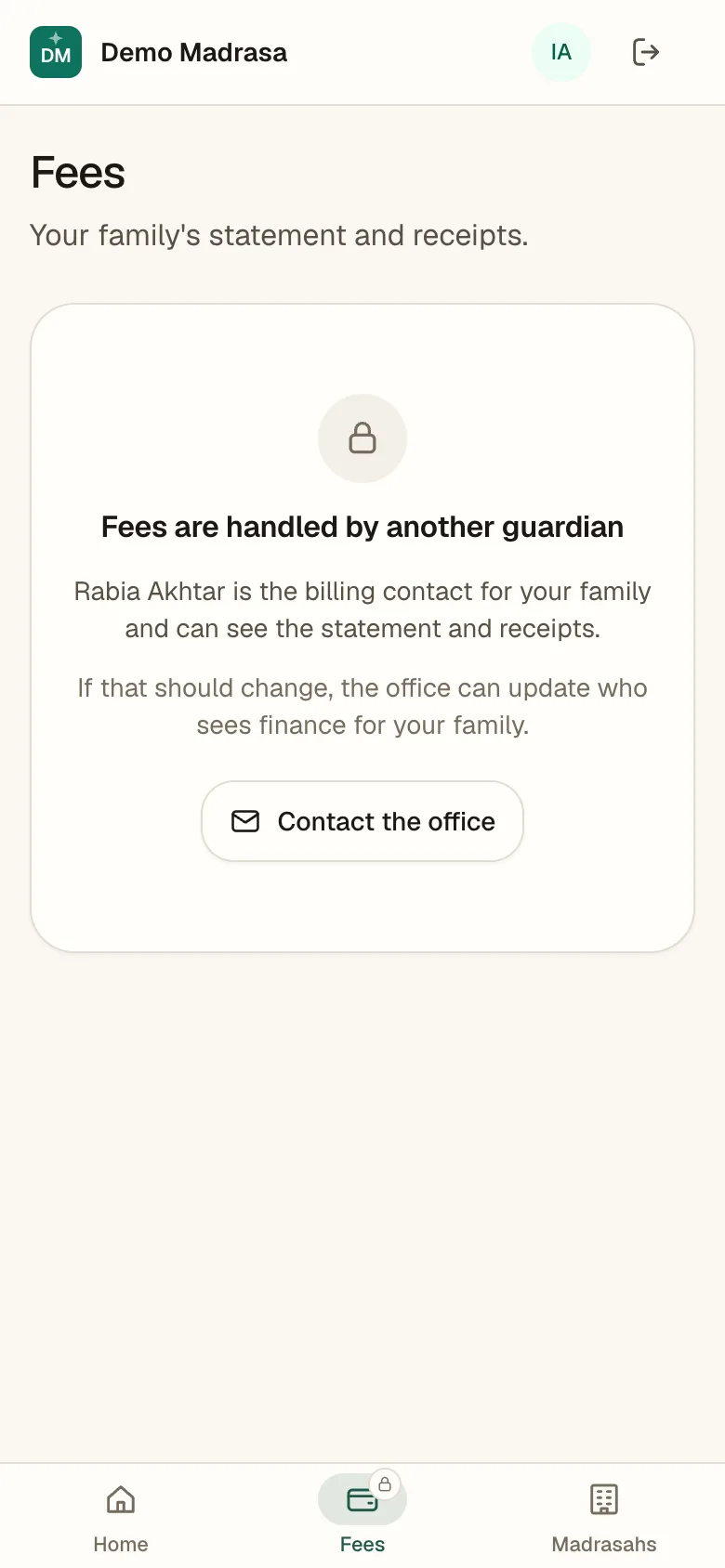
When another guardian handles fees
If someone else in the family is the billing contact, Fees shows a lock and their name. The office can change who sees finance for your family.
More than one madrasah
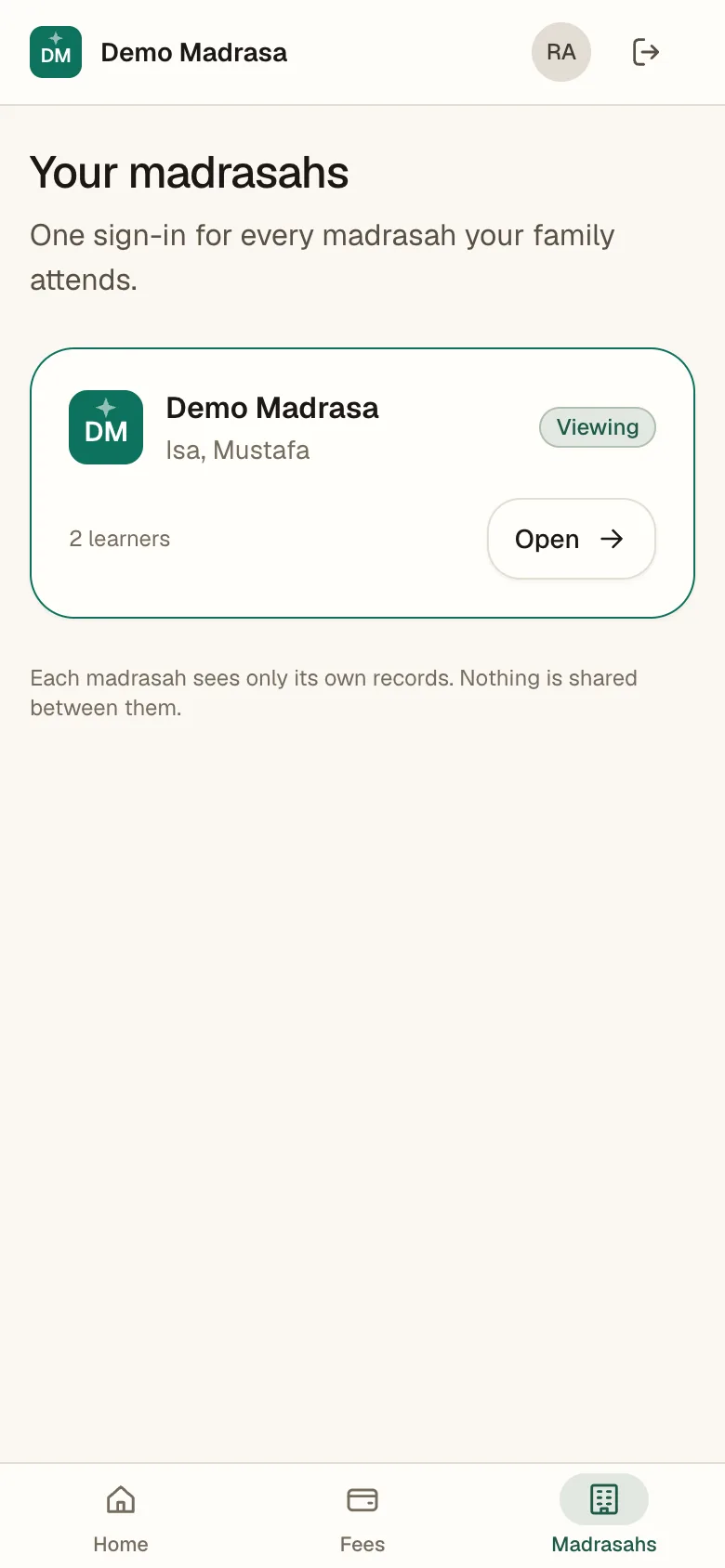
One sign-in works for every madrasah your family attends. Switch between them from Madrasahs; each sees only its own records.