Write a draft
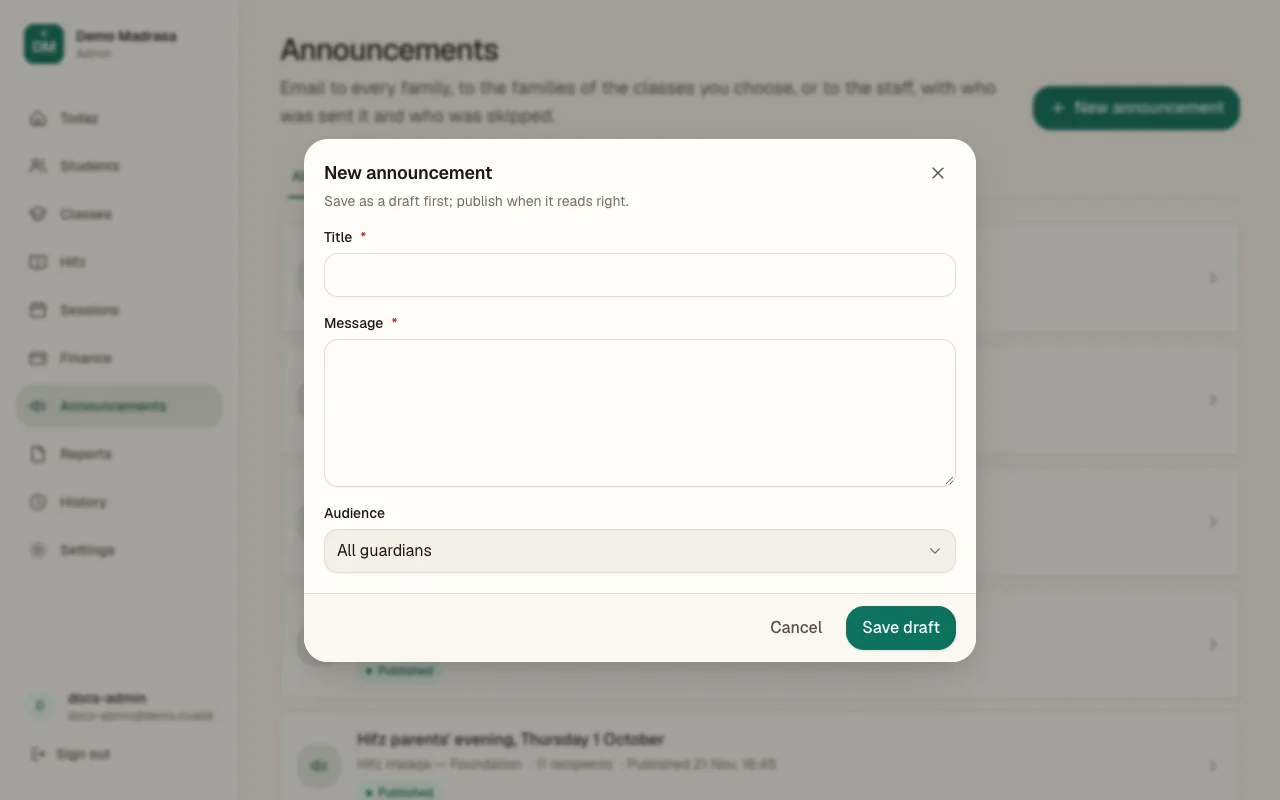
Announcements → New announcement. Give it a title, a plain-text message and its audience, and save it as a draft to check before it goes.
Choose the audience
The whole madrasah, or one class. It goes by email to each family's guardians; a guardian with no email address, or who has not agreed to email, is skipped and counted.
Publish
Publish sends it at once by email and adds it to the parents' portal. A published announcement can't be changed — send a new one to correct it.
Delivery results
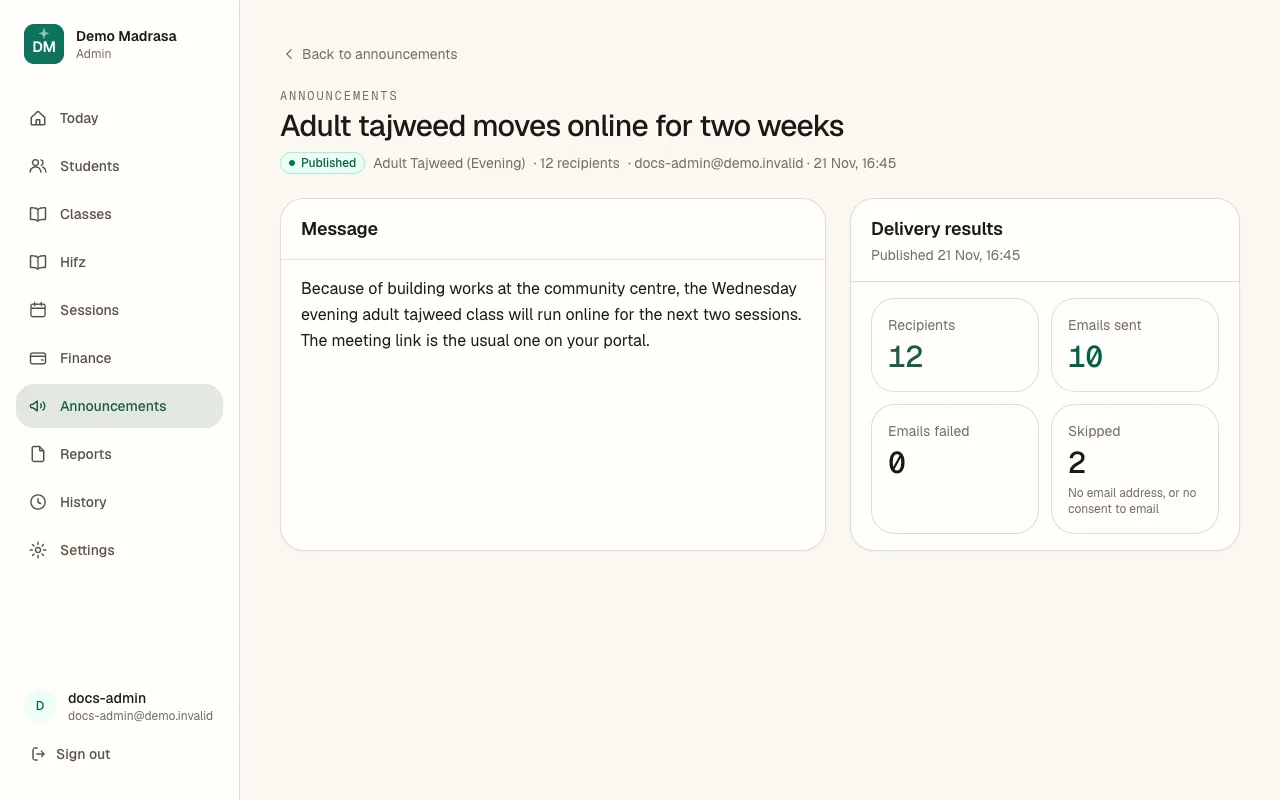
After publishing you see how many emails were sent, how many failed and how many guardians were skipped.
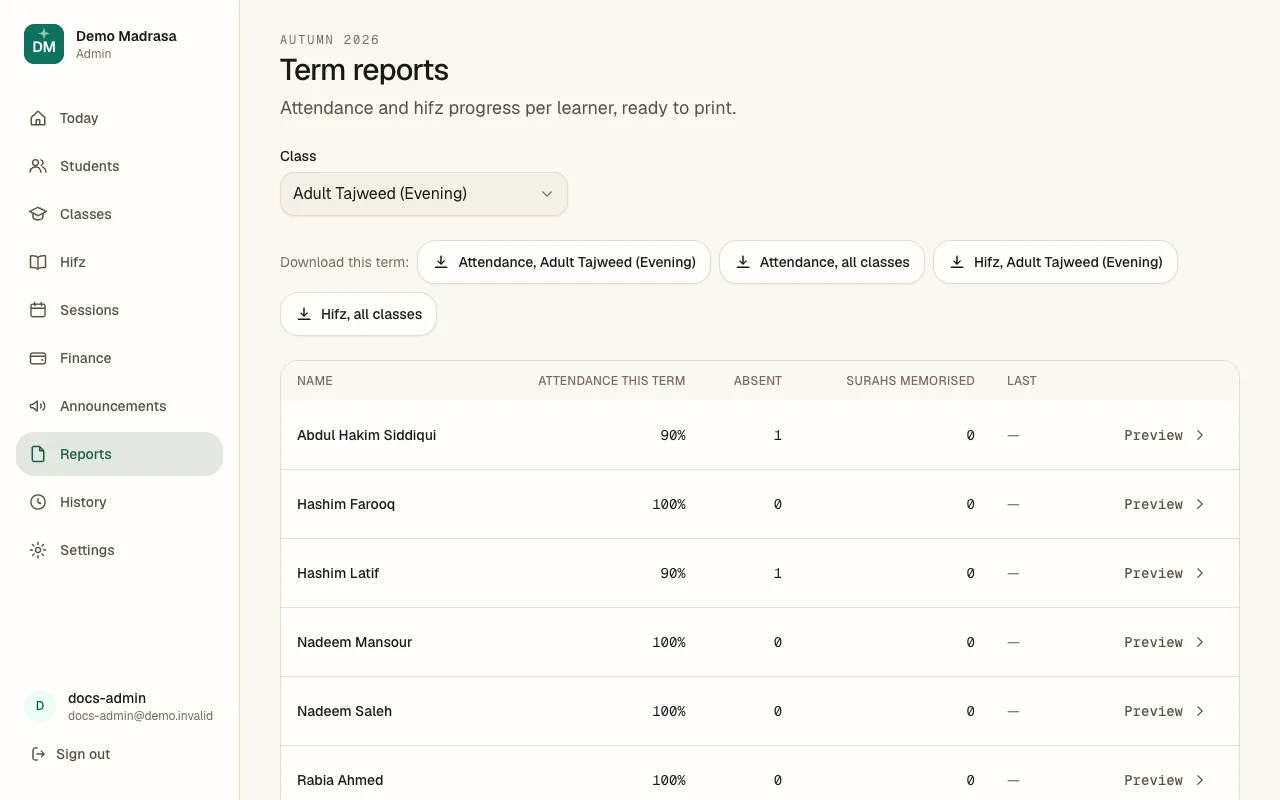
Term reports
Reports → pick a class → preview a learner's report: attendance for the term and hifz progress on one page, with signature lines. Print it, or save it as a PDF from the print dialog.