فیس شیڈول
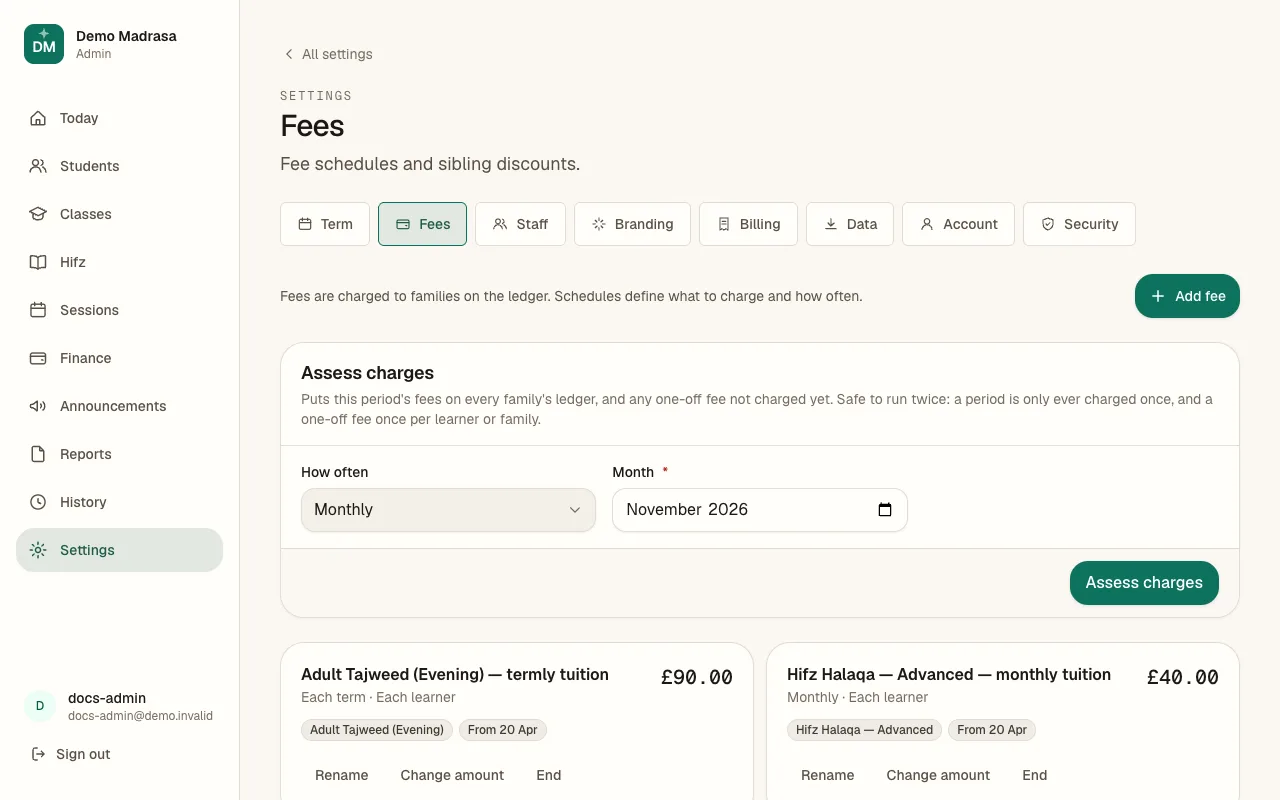
Settings → Fees defines what you charge and how often. Press Assess charges each month, or each term, and the period's fees go on every family's ledger — once, however many times you press it. Sibling discounts apply automatically after the first learner.
دیکھیں کس کے ذمے کیا ہے
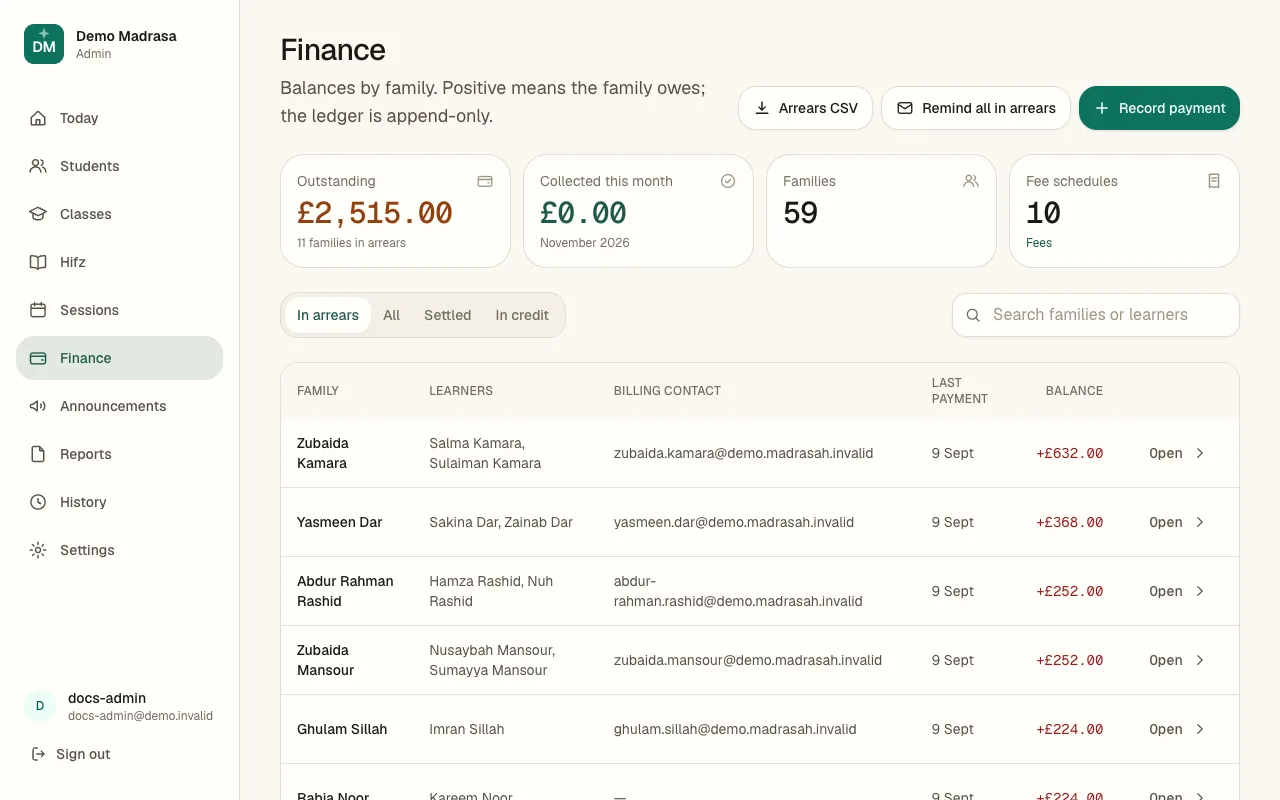
Finance shows every family with its balance and billing contact, those in arrears first. Search for a family or a learner.
ادائیگی درج کریں
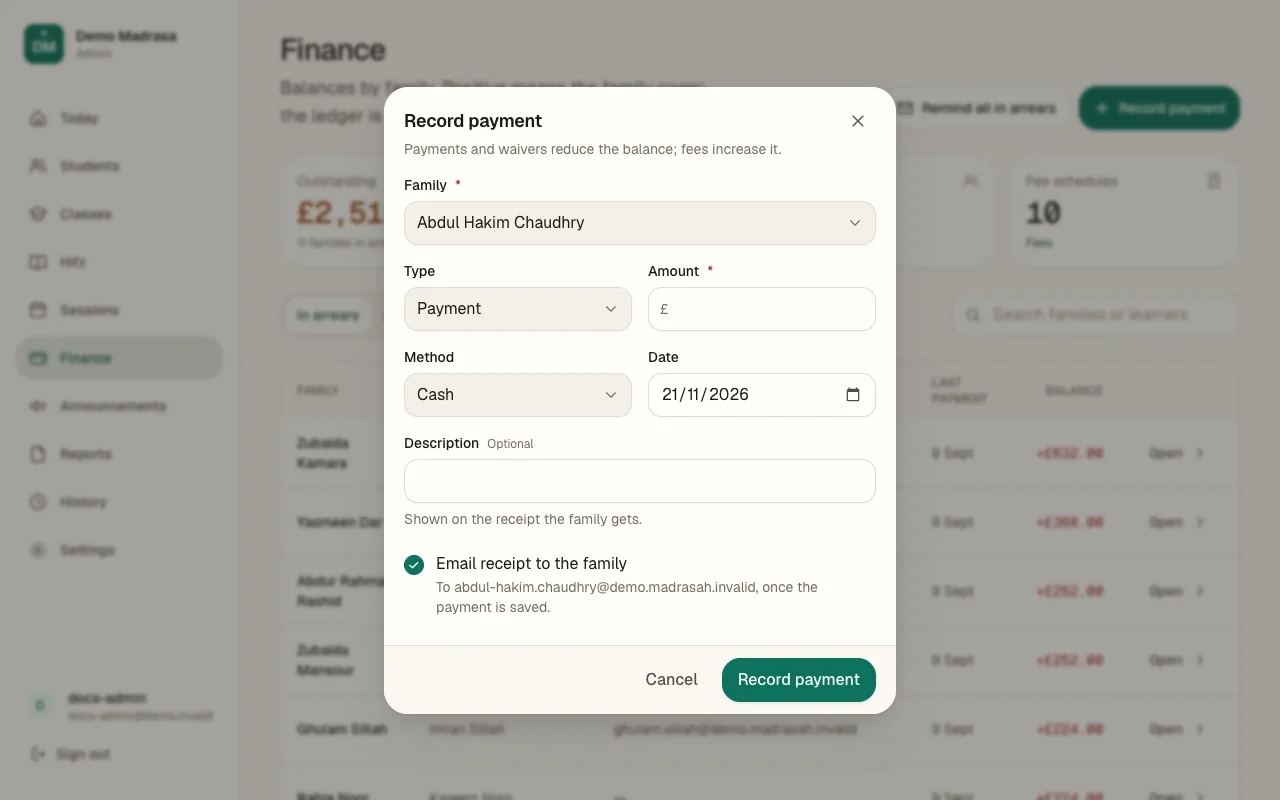
Record payment → choose the family, the amount, the method — cash, bank transfer or standing order — and the date. A waiver or an adjustment is recorded the same way, with a note saying why.
خاندان کا لیجر
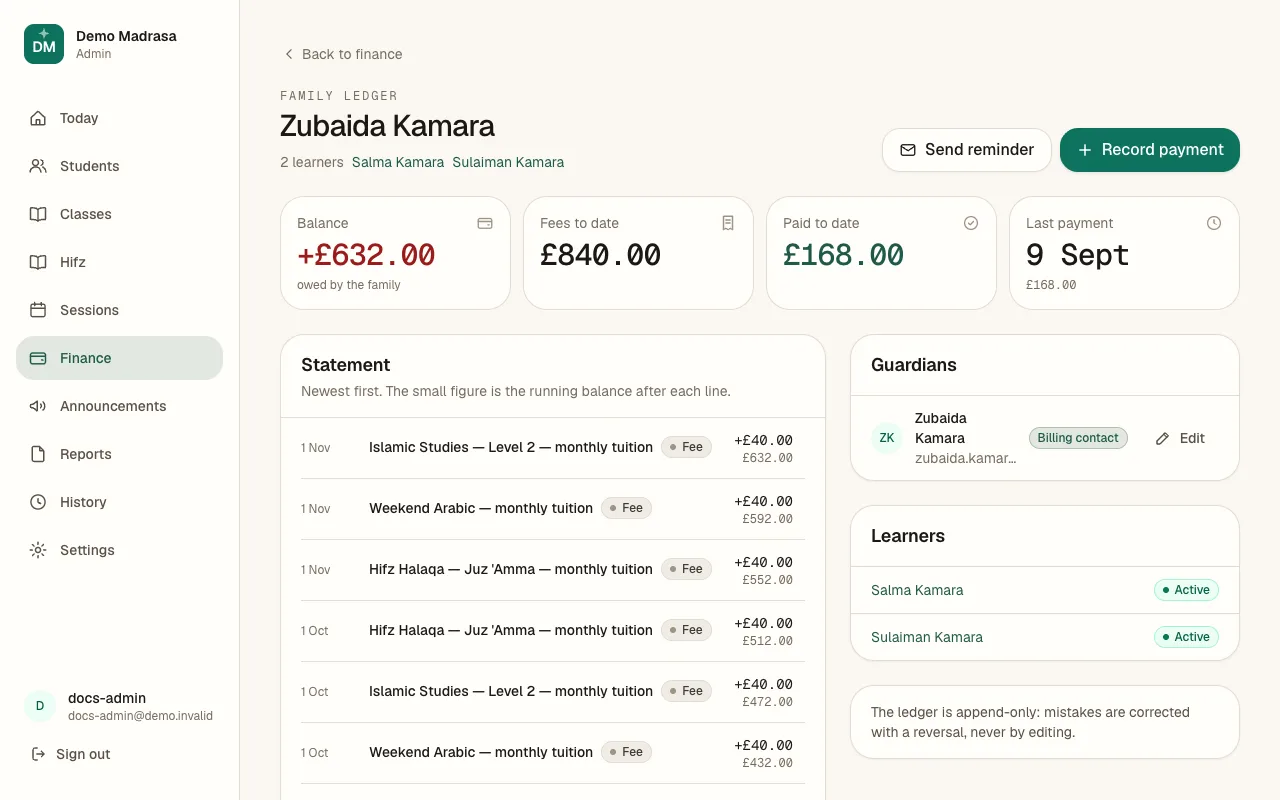
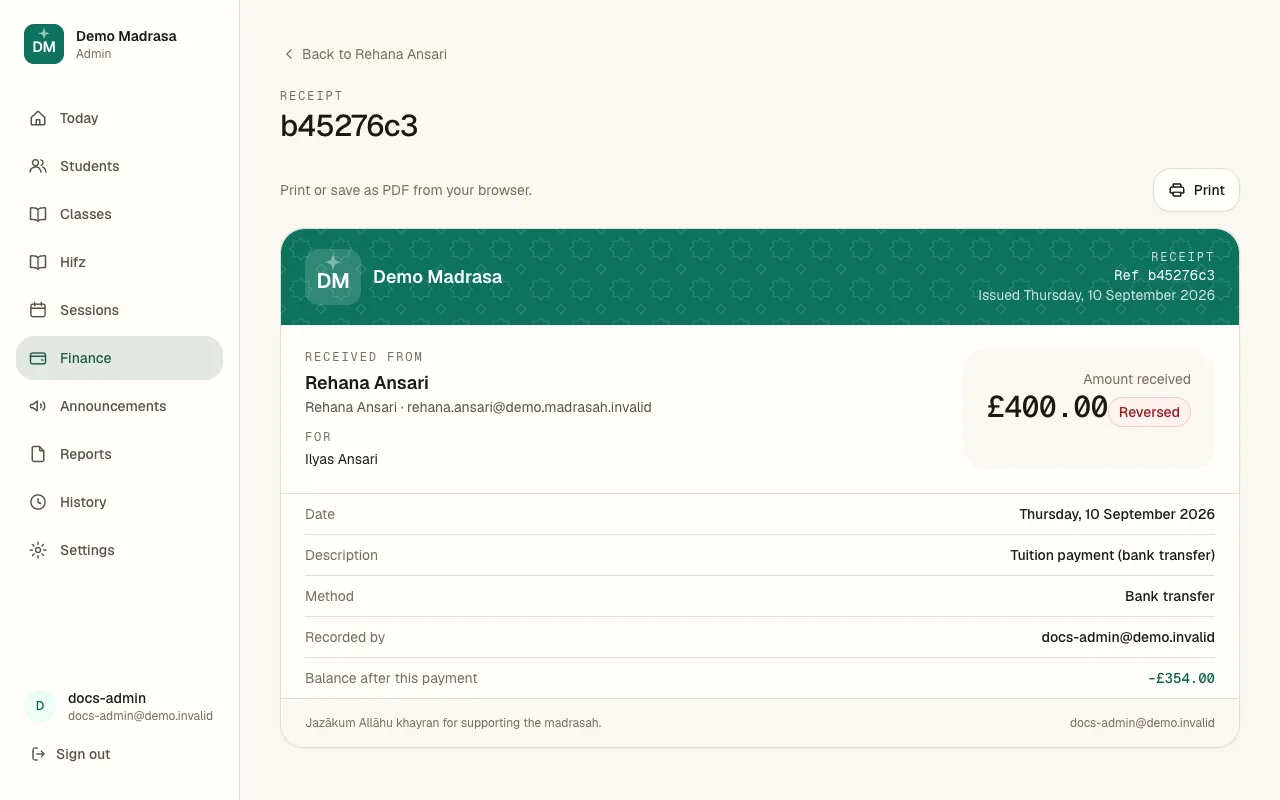
Open a family to see the statement, newest first, with the running balance after each line. To correct a payment, reverse it: a reversal line is added and the original stays visible, struck through.
رسیدیں
Every payment has a printable receipt with a reference number, and parents who can see fees open theirs in the portal.
بقایاجات کا تقاضا
Arrears CSV downloads every family with a positive balance, ready for a mail-merge or a phone list. In the portal, only the guardians you allow to see fees ever see money.