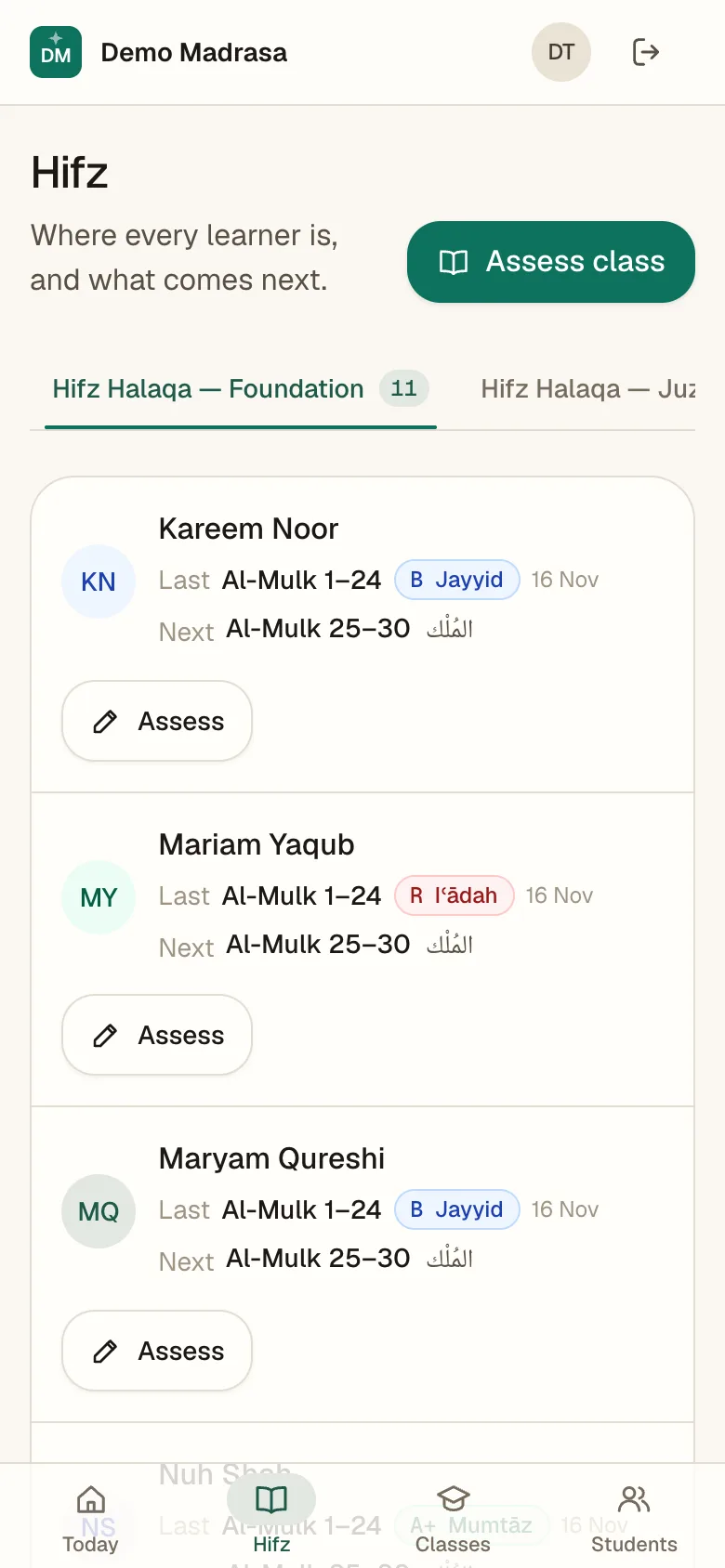
Open the class roster
Hifz on the bottom bar shows each learner with their last assessment and the suggested next sabaq. Tap Assess class to hear everyone in turn, or tap one learner.
Grade on tap
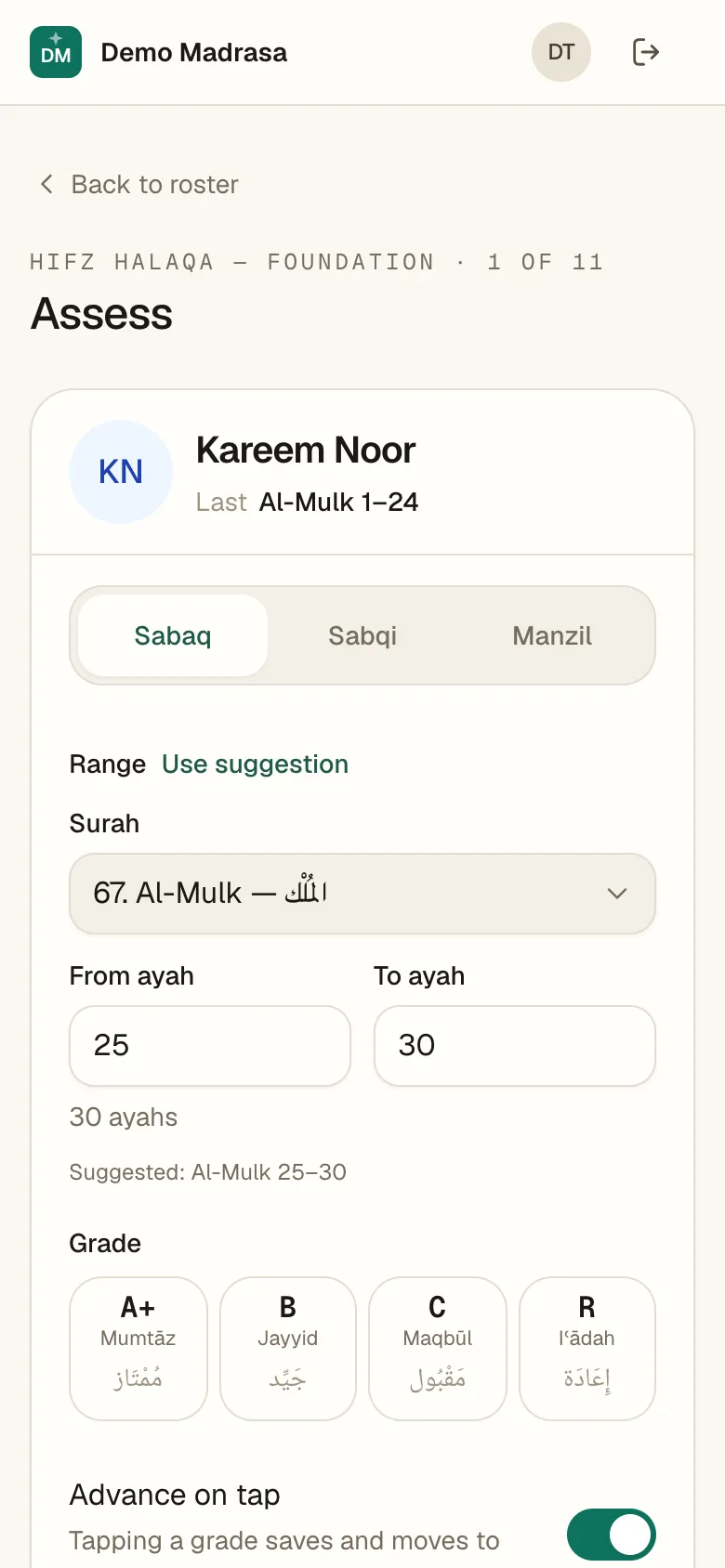
The range is filled in to carry on from the learner's last lesson — change it if they did more or less. Tap a grade and the app saves and moves to the next learner. Turn Advance off when you want to add notes.
Tip
What the grades mean
Mumtāz, Jayyid and Maqbūl move the learner on. Iʿādah (repeat) keeps the same range for next time, and the surah shows as needing revision on the grid. Choose Sabaq for the new lesson, Sabqi for recent revision and Manzil for long-term revision.
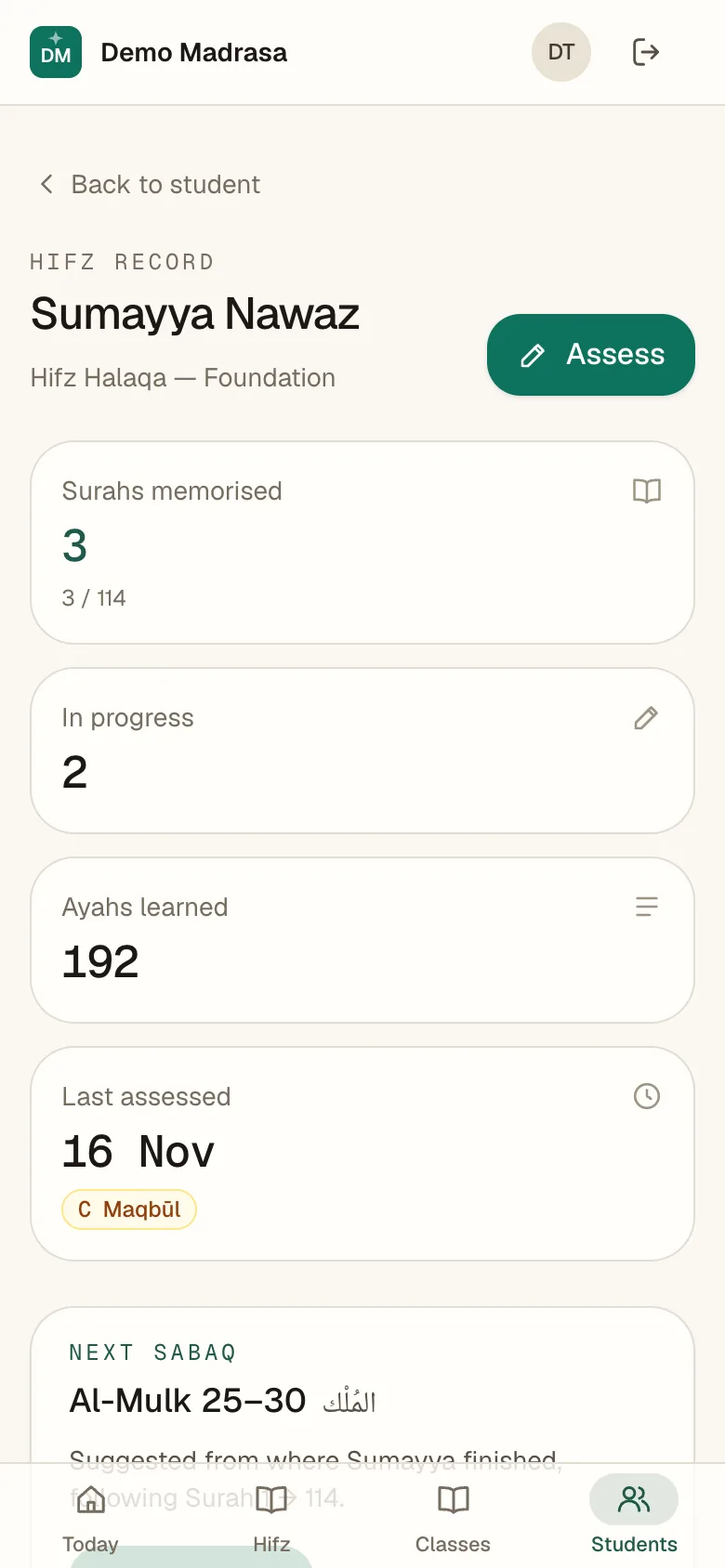
See a learner's progress
Tap a learner's name to see the surah grid — every surah shaded by how much has been memorised — with where they are now and their recent history.